إضافة قناة Google Drive
ما الذي تحتاجه أولًا؟
قبل البدء جهّز هذه العناصر:
| المتطلب | لماذا تحتاجه |
|---|---|
| حساب Google | للوصول إلى Google Cloud وتفويض Google Drive |
| مشروع Google Cloud | لتفعيل Drive API وإنشاء بيانات اعتماد OAuth |
| عميل OAuth 2.0 | يستخدمه ImgHost للحصول على Client ID و Client Secret و Refresh Token |
| نطاق ImgHost الخاص بك | لاستخدامه في عنوان إعادة توجيه OAuth. يجب أن يطابق النطاق الذي تستخدمه فعليًا. |
خطوات الإعداد
الخطوة 1: فعّل Google Drive API
- افتح وحدة تحكم Google Cloud.
- أنشئ مشروعًا جديدًا أو اختر مشروعًا موجودًا.
- انتقل إلى
APIs & Services. - اضغط
Enable APIs and Services. - ابحث عن
Google Drive API. - افتحه واضغط تفعيل.
الخطوة 2: اضبط شاشة موافقة OAuth
- في Google Cloud افتح
Google Auth Platform. - أكمل معلومات
Brandingالأساسية، مثل اسم التطبيق وبريد الدعم وبريد تواصل المطور. - افتح
Audience. - لمعظم عمليات النشر الشخصية ذاتية الاستضافة اختر
External. - إذا اخترت
Externalفأضف حساب Google الذي تريد تفويضه ضمنTest users. - افتح
Data Access. - أضف صلاحيات Google Drive المطلوبة.
الخطوة 3: أنشئ عميل OAuth 2.0
- في
Google Auth PlatformافتحClients. - أنشئ عميلًا جديدًا.
- اجعل نوع التطبيق هو
Web application. - أعطِ العميل اسمًا واضحًا.
- في مصادر JavaScript المصرّح بها أدخل رابط ImgHost، مثل:
text
https://img.example.com- في عناوين إعادة التوجيه المصرّح بها أدخل:
text
https://img.example.com/api/oauth/google/callback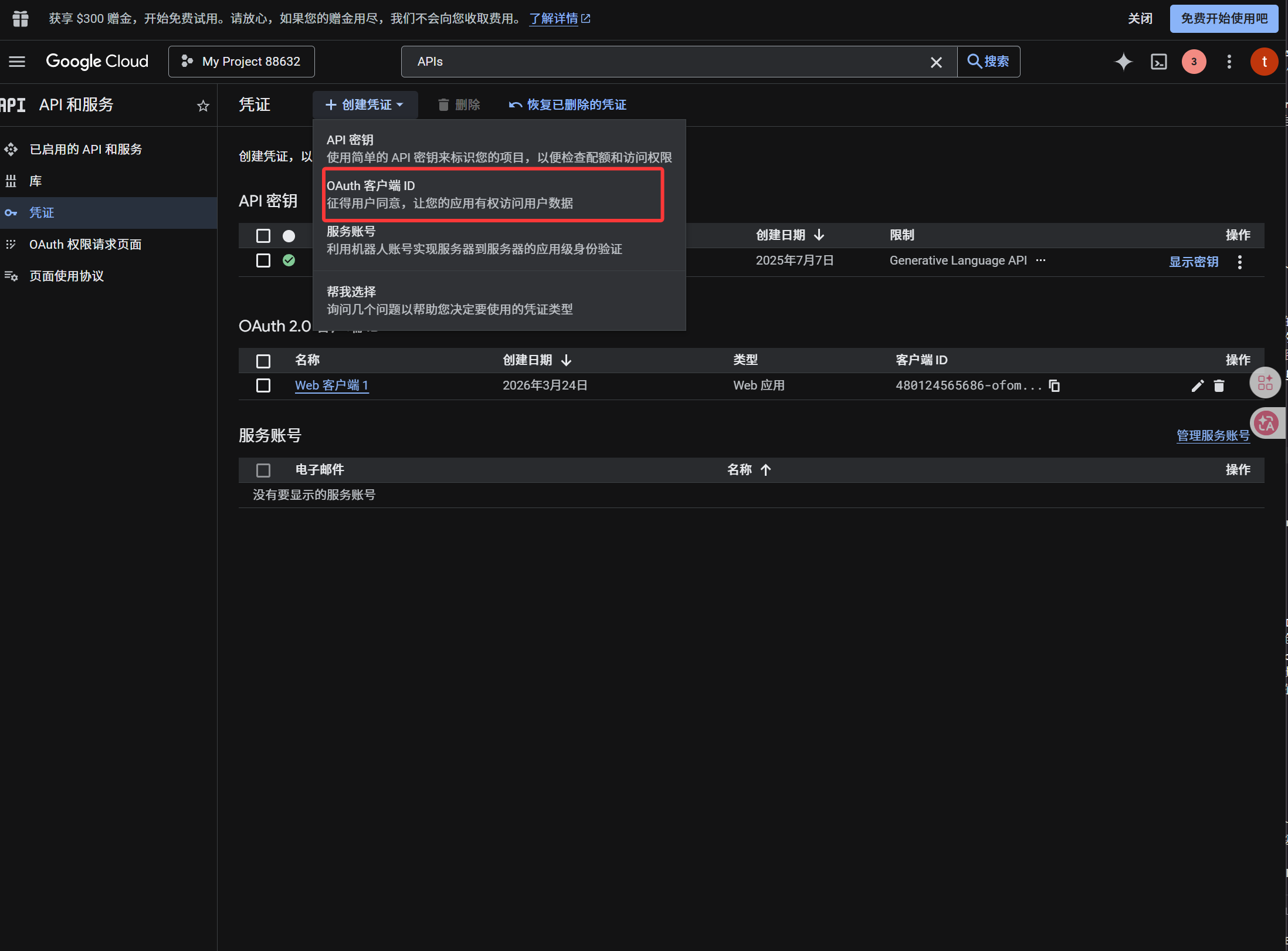
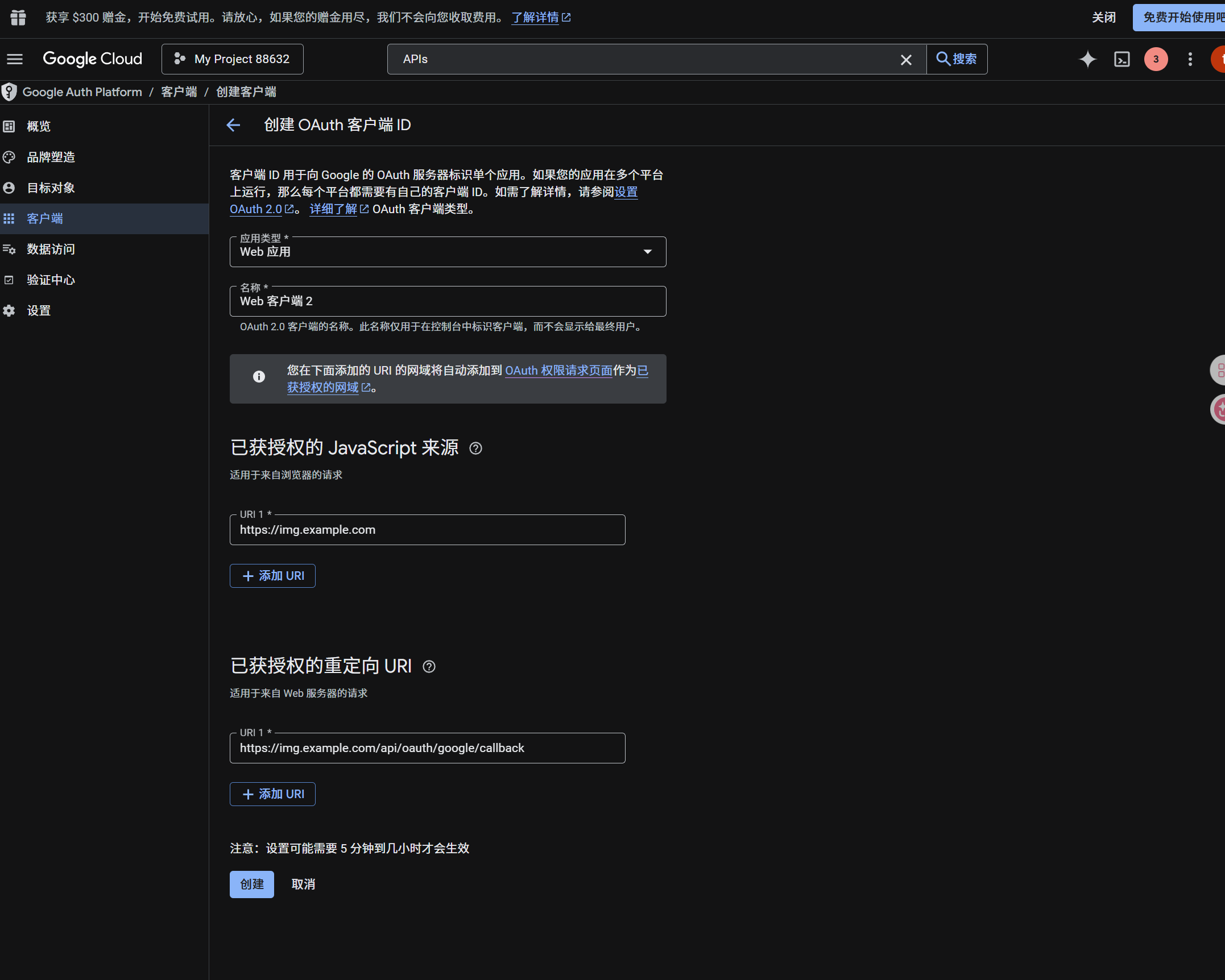
بعد إنشاء العميل انسخ القيم التالية:
| القيمة الناتجة | حقل ImgHost |
|---|---|
| Client ID | Client ID |
| Client Secret | Client Secret |
الخطوة 4: املأ قناة Google Drive
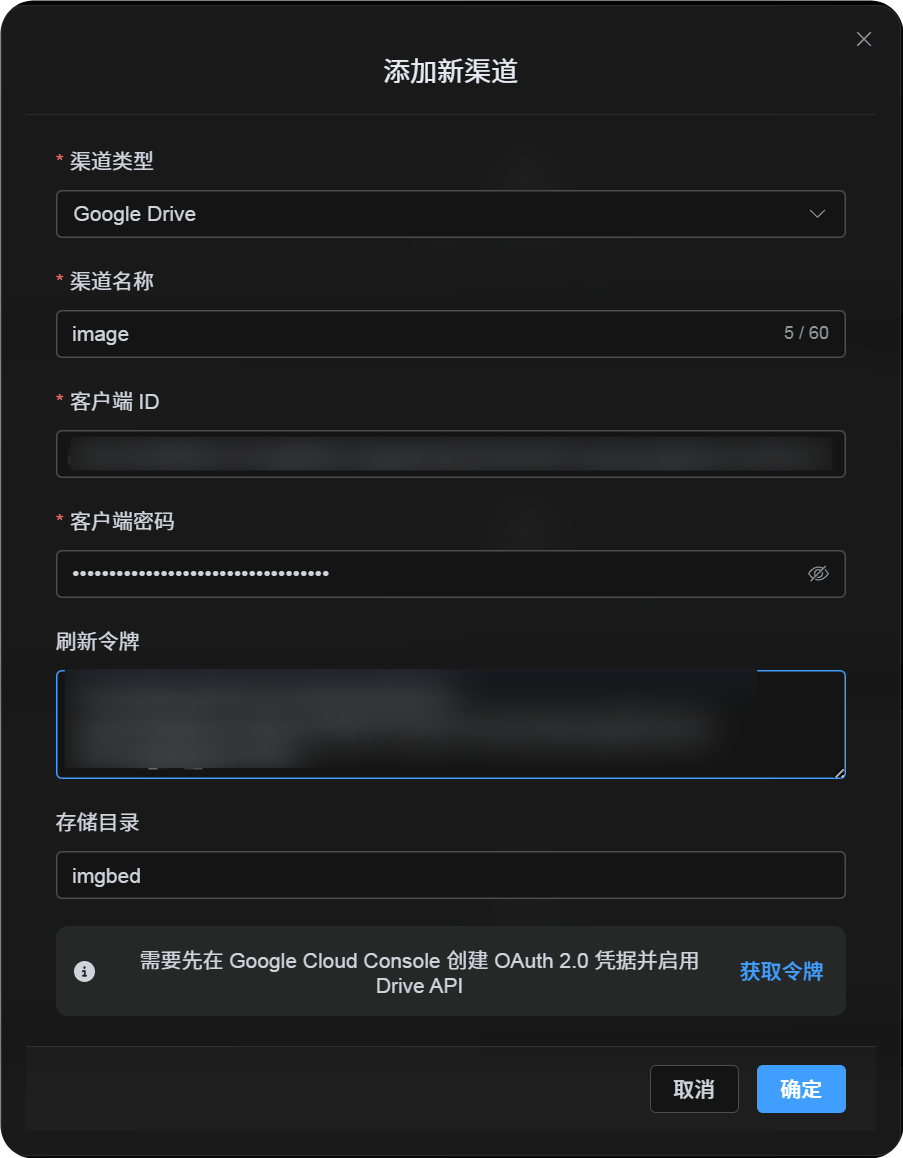
في إعدادات الرفع اختر Google Drive واملأ:
| حقل ImgHost | ما الذي تدخله |
|---|---|
| اسم القناة | اسم واضح، مثل Main Google Drive |
| Client ID | Client ID من Google Cloud |
| Client Secret | Client Secret من Google Cloud |
| Refresh Token | اتركه فارغًا الآن. تحصل عليه في الخطوة التالية. |
| المجلد الجذر | اختياري. الافتراضي imgbed. |
الخطوة 5: احصل على Refresh Token
- اضغط الحصول على الرمز.
- اختر حساب Google الذي تريد ربطه.
- أكمل رسائل التفويض.
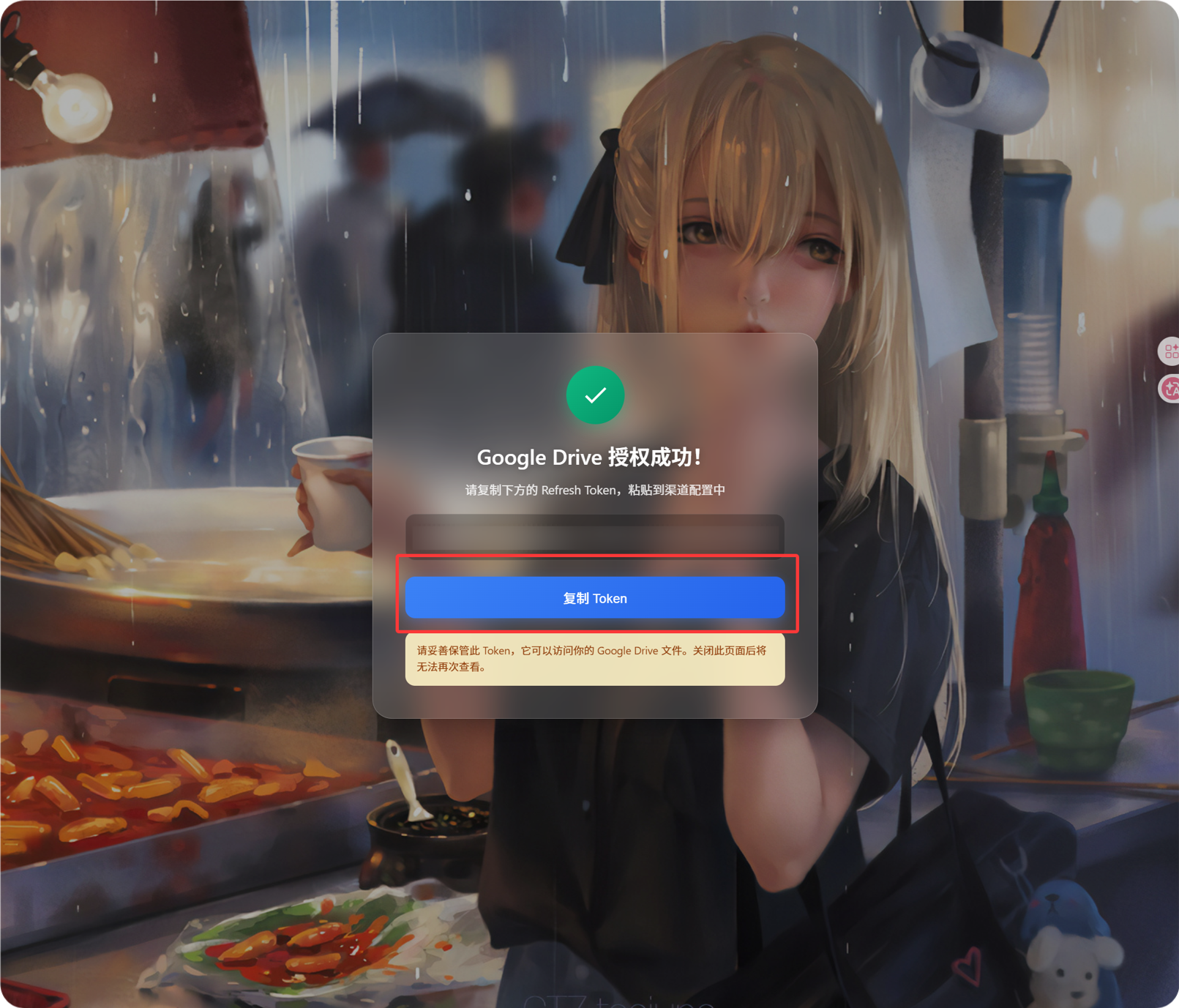
- ستعرض صفحة رد الاتصال قيمة
Refresh Token. - انسخها.
- ارجع إلى ImgHost والصقها في حقل
Refresh Token.
إذا غيّرت حساب Google لاحقًا، أو بدّلت عميل OAuth، أو انتهت صلاحية التفويض القديم، فلا تحتاج إلى حذف القناة. افتح صفحة التحرير واضغط إعادة التفويض.
الخطوة 6: احفظ القناة
بعد ملء جميع الحقول احفظ القناة.
المسار السريع
text
Open Google Cloud
-> Create or select a project
-> Enable Google Drive API
-> Configure Google Auth Platform
-> If Audience is External, add your Google account to Test users
-> Create a Web application OAuth client
-> Use https://your-domain.com/api/oauth/google/callback as the redirect URI
-> Fill Client ID and Client Secret into ImgHost
-> Click Get Token
-> Sign in with Google and authorize
-> Copy the Refresh Token from the callback page
-> Paste it back into ImgHost and save
-> Upload a test image
مراجع
- تطبيقات خادم الويب في Google OAuth: https://developers.google.com/identity/protocols/oauth2/web-server
- إعداد موافقة OAuth في Google Workspace: https://developers.google.com/workspace/guides/configure-oauth-consent
- نطاقات تفويض Google Drive API: https://developers.google.com/workspace/drive/api/guides/api-specific-auth