Image Moderation and Access Mode
Image moderation assigns age ratings to uploaded images. Access mode controls which ratings are visible through public access.
This affects the public gallery, public file URLs, and the random image API. It does not restrict the admin panel. Administrators can still view and manage all files.
Where To Configure It
Open the admin panel, then go to:
text
System Settings -> Security Settings -> Upload Management -> Image ModerationThe main settings are:
- Access mode
- Enable moderation
- Moderation provider
What Access Mode Does
Access mode decides which age ratings can be shown publicly.
Current modes:
| Access Mode | Publicly Visible Ratings |
|---|---|
| Adult mode | General, R12, R16, R18 |
| Youth mode | General, R12, R16 |
| Teen mode | General, R12 |
| Child mode | General only |
The default is Adult mode.
For private sites or sites with mature content, Adult mode may be appropriate. For a more conservative public gallery, choose Youth, Teen, or Child mode.
What Enabling Moderation Does
When moderation is enabled, ImgBed calls the selected moderation provider during upload and saves the detected age rating.
Main ratings:
| Rating | Meaning |
|---|---|
| General | Safe public content |
| R12 | Mildly sensitive content |
| R16 | Moderately sensitive content |
| R18 | Adult content |
The moderation result is used when deciding public access.
If moderation is not enabled, or old files do not have a rating, those files are treated as unrated. Unrated files are not automatically removed from the public gallery or random image API just because no rating exists.
Choosing a Moderation Provider
Available providers include:
- moderatecontent.com
- nsfwjs
- Sightengine
Each provider has different requirements:
- moderatecontent.com usually requires an API Key.
- nsfwjs usually requires an API endpoint URL.
- Sightengine requires an API user and API secret.
Choose based on your account, availability, and detection quality. As long as moderation is enabled and configured correctly, ImgBed attempts to write an image rating during upload.
Effect on the Public Gallery
The public gallery filters files according to access mode.
Examples:
- Adult mode: R18 images can appear.
- Youth mode: R18 images are hidden.
- Teen mode: R16 and R18 images are hidden.
- Child mode: only General images are shown.
This only affects normal public access. The admin panel still shows all files.
Effect on Public File URLs
Public file URLs are direct image links opened by visitors.
If the file rating is allowed by the current access mode, ImgBed returns the original image.
If the rating is above the allowed level, normal public access does not return the original image. Instead, ImgBed returns the configured blocked result or placeholder image.
Example:
- The current mode is Child mode.
- An image is rated R18.
- A visitor opens the public URL directly.
- ImgBed does not return the R18 original image to that visitor.
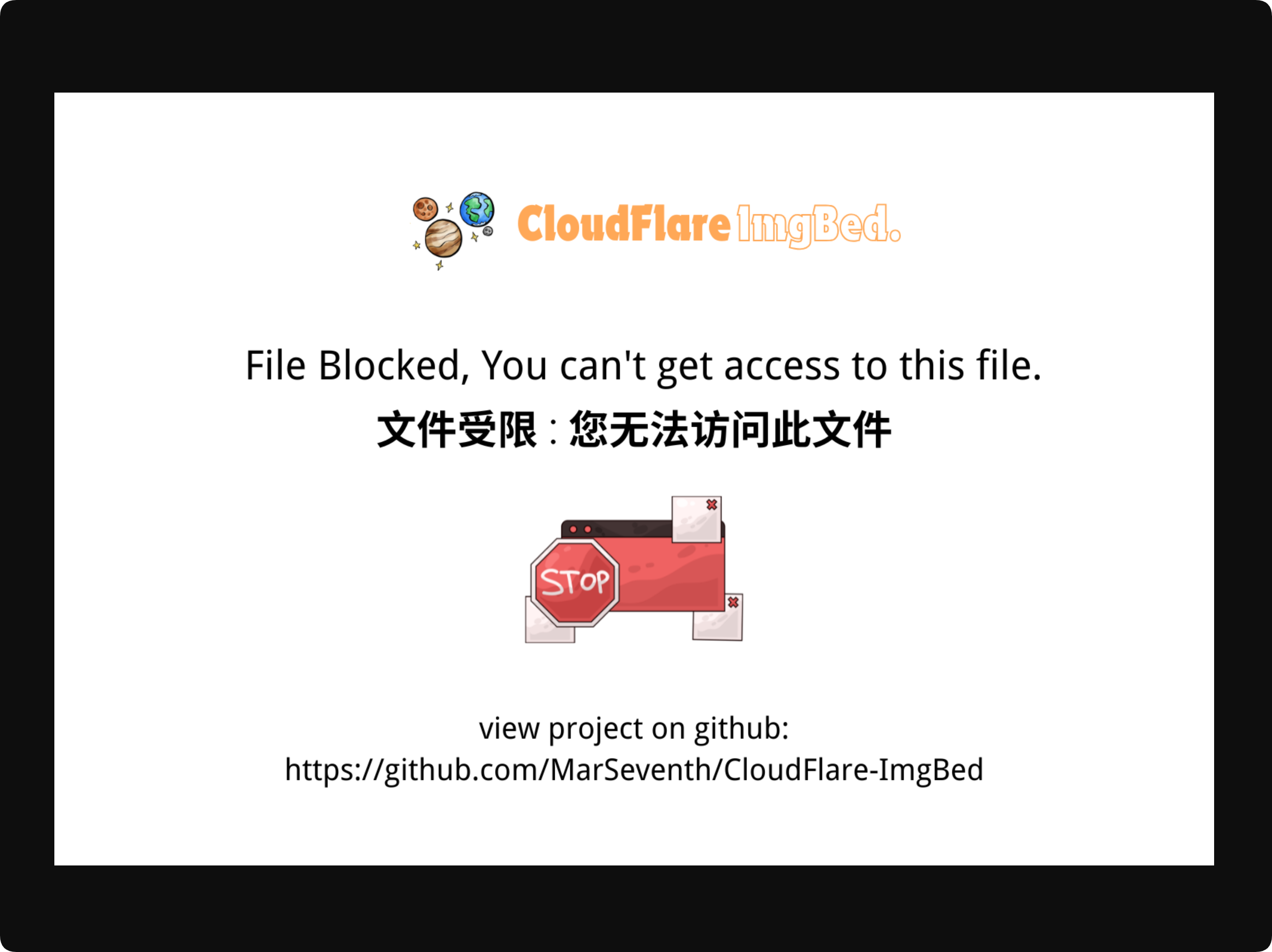
Administrators viewing files in the admin panel are not affected by this restriction.
Effect on the Random Image API
The random image API also filters its candidate pool by access mode.
In Child mode, random images are selected only from General-rated files.
In Youth mode, random images may come from General, R12, and R16 files, but not R18 files.
This prevents the random image API from bypassing public gallery restrictions.
Relationship With List Rules
Access mode is not the only public access rule. It works together with allow/block list rules.
In simple terms:
- Allowlisted content is public first.
- Blocklisted content cannot be viewed directly by regular visitors.
- Content that is not on either list is then checked against access mode.
If an image is restricted by both age rating and list rules, regular visitors still cannot view the original file directly.
Recommended Settings
For public sites:
- Enable moderation.
- Choose an access mode that matches the site's audience.
- Use Child mode or Teen mode for all-age visitors.
- Avoid Adult mode if you do not want mature content shown publicly.
- Review file ratings in the admin panel and adjust manually when needed.
For private or personal sites:
- Adult mode is usually fine.
- Enable moderation if useful.
- Review and adjust ratings in the admin panel as needed.
FAQ
Will Files Disappear From the Admin Panel After I Change Access Mode?
No.
Access mode only affects normal public access. It does not affect the admin panel.
Why Did the Public Gallery Show Fewer Images After Switching to Child Mode?
Child mode only allows General-rated files to be shown publicly. R12, R16, and R18 files are filtered out.
Can Public URLs Still Open Adult Images?
If the current access mode does not allow that rating, normal public URLs do not return the original image.
Can the Random Image API Return Restricted Images?
No.
The random image API filters candidates according to the current access mode.
What Happens to Old Unrated Images?
Unrated images are not automatically hidden only because they do not have moderation results. You can adjust their ratings later in the admin panel.